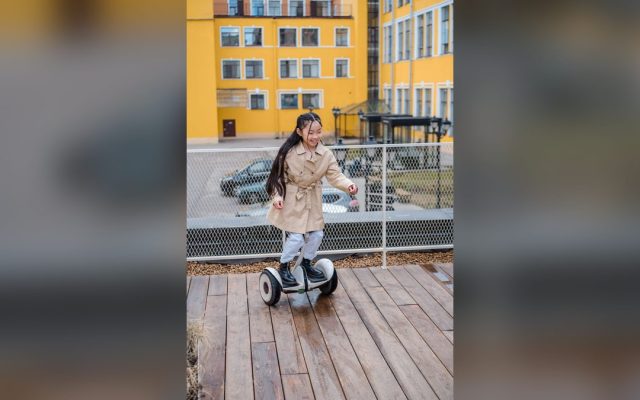
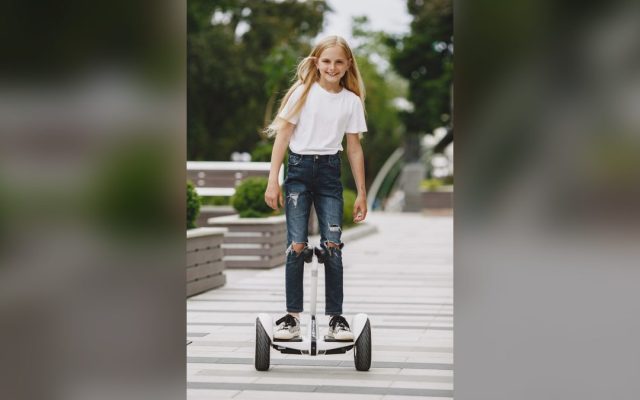
A friendly guide to Hover-1 hoverboards built for kids and teens — safe speeds, glowing LED lights, UL 2272 safety, and the right model for every age and size.
If your child has been begging for a hoverboard, chances are the Hover-1 name keeps coming up. The Hover-1 hoverboard has become one of the most trusted first rides for young riders, and for good reason. These boards are light, safe, and easy to learn on. They come in bright colors with glowing LED lights that kids adore. Best of all, most models cost less than a new video game console.
But here is the thing — Hover-1 does not make just one hoverboard. The brand has a whole lineup, from a tiny 5 mph board built for five-year-olds to faster models that carry teens up to 220 pounds. Picking the right one matters. A board that is too fast can scare a beginner, while one that is too small will feel babyish to an older kid and get left in the closet.
In this guide, we will walk through the full Hover-1 range in plain English. You will learn which model fits your child’s age and size, what the UL 2272 safety label really means, how to help your rider get rolling on day one, and the simple habits that keep a board running for years. Let’s find the perfect match for your young rider.
This article is part of our best hoverboards and reviews hub, which lists every hoverboard review on the site.
Why Hover-1 Is a Favorite for Young Riders
Hover-1 is one of the biggest hoverboard brands in America, and you have probably seen its boards on the shelves at Walmart, Target, and Best Buy, or filling the top spots on Amazon. That popularity is a real advantage for parents. The boards are easy to find, easy to replace, and backed by a company that has made rideables for years. You are not gambling on some no-name board that vanishes after the holidays.
The bigger reason parents trust Hover-1 comes down to safety. Every current model carries UL 2272 certification, the fire and electrical safety standard created after the cheap hoverboards of 2016 made headlines for catching fire. Hover-1 boards are tested as a full system — battery, charger, and wiring — so you can plug one in without that nagging worry in the back of your mind.
Then there is the fun factor, which is what actually sells kids. Most Hover-1 boards glow. LED wheels, light-up footpads, and color-changing headlights turn a simple ride down the driveway into a little light show. Add non-slip foot pads, beginner-friendly learning modes, and a light body a child can carry alone, and you have a board built around how kids really ride.
- Sold everywhere — Walmart, Target, Best Buy, Amazon — so support is easy
- Every current model is UL 2272 safety certified
- LED wheels and lights that kids genuinely get excited about
- Beginner modes that cap the speed while your child learns
- Light enough (12–17 lbs) for a kid to carry alone
- Budget-friendly — most land between $90 and $180
| Model | Top Speed | Range | Max Weight | Best Age | Standout Feature |
|---|---|---|---|---|---|
| My First Hoverboard | 5 mph | 3 miles | 80 lbs | 5–7 | Slowest, lightest, easiest to learn |
| Dream | 7 mph | 6 miles | 220 lbs | 8+ | Beginner-to-expert modes, LED wheels |
| Drive | 7 mph | 3 miles | 160 lbs | 8+ | Budget-friendly entry board |
| All-Star 2.0 | 7 mph | 7 miles | 220 lbs | 8+ | LED footpads + infinity wheels |
| Chrome 2.0 | 6 mph | 7 miles | 220 lbs | 8+ | Built-in Bluetooth speaker |
| Astro | 6 mph | 9 miles | 220 lbs | 8+ | Longest range, bright LEDs |
| Titan | 7.8 mph | 6.4 miles | 220 lbs | 10+ | 10″ air tires for rough ground |
The Hover-1 Lineup at a Glance
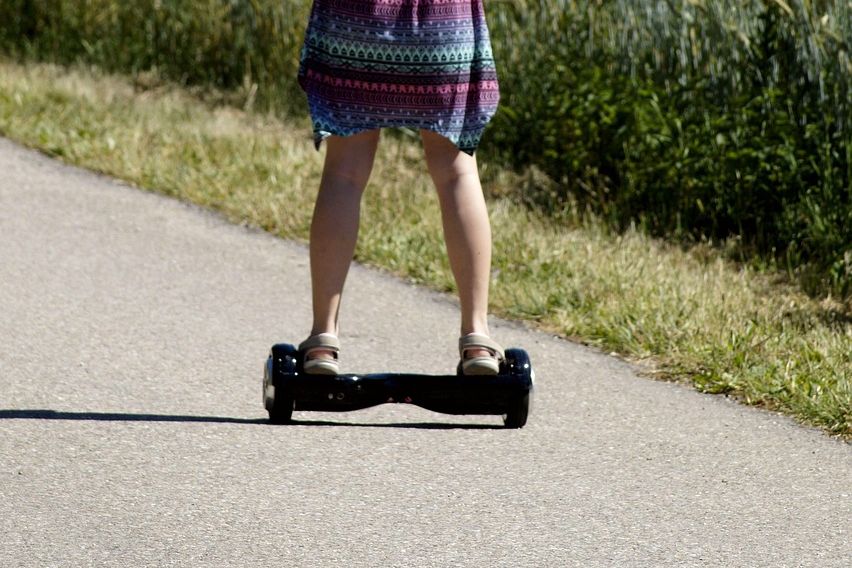
Here is where a lot of parents get stuck. Hover-1 does not sell one hoverboard — it sells more than a dozen, with playful names like Dream, Drive, All-Star, Chrome, Astro, and Titan. They can blur together fast. The good news is that they sort neatly into a few groups once you know what to look for.
Think of the range in four tiers: the tiny starter board for little kids, the do-everything mid-range boards, the flashy Bluetooth models for tweens, and the rugged off-road board for older riders. The table further down lays out the numbers side by side, and here are the standouts worth knowing.
Hover-1 My First Hoverboard — for the littlest riders
This is the one built for ages 5 to 7. It is capped at a gentle 5 mph, holds up to 80 pounds, and weighs just 12 pounds so a small child can lift it. At around $98, it is a low-risk way to see if your kid takes to hoverboarding at all.
Hover-1 Dream — the all-rounder
The Dream is the model we recommend most. It pairs a safe 7 mph top speed with beginner-to-expert modes, glowing LED wheels, a 6-mile range, and a 220-pound limit that carries a child from about age 8 well into the teen years.
Hover-1 All-Star, Chrome & Superstar — the fun-first boards
These lean into entertainment. Expect light-up infinity wheels, LED footpads, and built-in Bluetooth speakers so your tween can play music while they ride. Speeds sit around 6 to 7 mph with 6 to 7 miles of range on a charge.
Hover-1 Titan — for older, adventurous riders
The Titan swaps small solid wheels for chunky 10-inch air-filled tires that roll over grass, cracks, and gravel. At 7.8 mph with a 220-pound limit, it is aimed at confident riders around 10 and up who want to leave the smooth driveway behind.
How to Pick the Right Hover-1 for Your Child
Choosing the right board comes down to three simple things: your child’s age, their weight, and how confident they are. Get those right and the rest falls into place. Start with weight, because it is the hard limit. The My First board stops at 80 pounds, while almost every other Hover-1 handles up to 220. Put a heavier child on a board that is too small and it will strain, slow down, and can even shut off mid-ride.
Next, think about speed and nerves. A cautious first-timer does best on a slower board or one with a beginner mode that caps the speed. A bold tween who has ridden a friend’s board will find 5 mph boring within a day. Be honest about which kid you have. It is tempting to size up so they grow into it, but a board that feels too fast on day one can put a nervous rider off for good.
Finally, match the extras to the child. Younger kids love lights. Tweens love Bluetooth speakers and the freedom of longer range. Older, adventurous riders want tires that can handle rough ground. Use the age chart below as a starting point, then adjust for your own child — you know them better than any spec sheet.
Safety First — UL 2272, Gear, and Smart Rules
Hoverboards are safe when you respect a few basics, and it starts with that UL 2272 label. This standard tests the entire electrical system for overheating, short circuits, overcharging, and physical abuse. It is the reason today’s boards do not carry the fire risk that made headlines years ago. Never buy a board — from any brand — that does not clearly state it is UL 2272 certified.
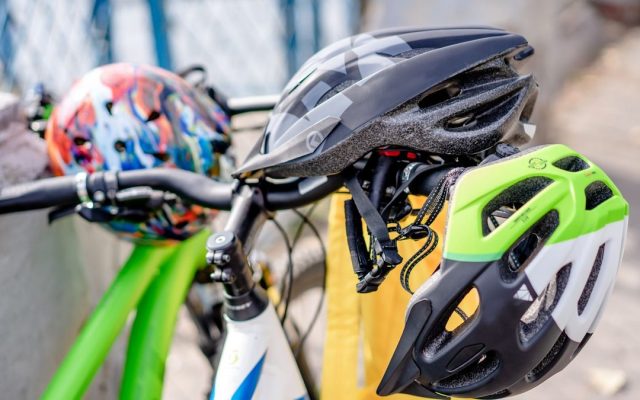
Gear is the next line of defense. Almost every hoverboard fall is a backward slip or a forward tumble, and a helmet plus wrist guards handle the worst of it. For young or new riders, add knee and elbow pads too. Set the helmet rule on the very first ride so it becomes automatic, not a nightly argument. Kids copy what they see, so a quick helmet-on from you goes a long way.
Charging deserves its own set of rules. Use only the charger that came in the box, unplug the board once it is full, and never leave it charging overnight or while the house is empty. Charge it in an open spot away from couches, curtains, and bedding — not on a soft bed where heat can build up. These habits are simple, and they keep a good board good.
- Certified helmet that fits snugly and sits level on the head
- Wrist guards — they catch the most common type of fall
- Knee and elbow pads for young or brand-new riders
- Grippy, closed-toe shoes (never bare feet or flip-flops)
- Ride in daylight or well-lit areas only, away from traffic
Getting Started — Your Child’s First Ride
The first ride sets the tone, so make it easy and low-pressure. Pick a flat, smooth, traffic-free spot — a carpeted hallway, an empty garage, or a quiet driveway all work well. Carpet is forgiving on knees, and a nearby wall or an adult’s hand gives your child something to steady themselves with. Turn on beginner mode if the board has it, and make sure it is fully charged so the ride feels smooth instead of jerky.
Break the learning into small steps. Most kids go from wobbly to grinning inside an hour if they take it one piece at a time and are allowed to grab the wall as much as they need.
Keep the first sessions short — fifteen or twenty minutes is plenty before little legs get tired and sloppy. Praise the small wins, and resist the urge to bump up the speed too soon. Confidence is the real skill here, and it builds fast when the early rides feel like a success rather than a struggle.
Step 1: Mount one foot at a time
Have your child place one foot on a pad, close to the wheel, then step up with the second foot. Stepping on near the middle makes the board tip, so feet go wide, right over the wheels.
Step 2: Stand tall and look ahead
The instinct is to stare down at the feet, which makes everyone wobble. Eyes up, back straight, knees soft. The board balances best when the rider is calm and upright.
Step 3: Roll with tiny movements
A gentle lean forward from the ankles moves the board ahead; leaning back slows it and stops it. Tell your child to think toes-down to go and heels-down to stop. Small inputs, not big ones.
Step 4: Turn and step off safely
To turn, push one toe down gently. To get off, come to a full stop and step backward off the back of the pads — never hop off the front. Stepping back is the safest dismount every time.
Hover-1 vs Other Kids’ Hoverboard Brands
Hover-1 is not the only name in the game, and it helps to know where it lands. Its biggest strengths are availability, price, and range of choice. You can walk into almost any big-box store and find one, they usually cost less than the premium brands, and there is a model for nearly every age and budget. For a first hoverboard, that combination is hard to beat.
The main rivals each have a lane. Jetson is the other big name on store shelves and leans hard into flashy lights and app features, often at a slightly higher top speed. Gyroor is the pick for off-road fun, with rugged models built for grass and dirt. Segway’s Ninebot S boards feel the most premium and polished but cost the most, while budget brands like Sisigad undercut everyone on price — though with thinner support if something goes wrong.
For most families buying a first board for a young rider, Hover-1 hits the sweet spot: proven safety, easy to buy and return, fun lights kids love, and a price that does not sting if the hobby fades. Step up to Segway if you want top-tier quality, or over to Gyroor if your child rides on rough ground. The table below shows how the headline numbers compare.
Keeping the Board Rolling — Care & Battery Tips
A hoverboard is really a battery on wheels, so a little care goes a long way. The battery is the heart of the board and the part most affected by how you treat it. Try not to run it all the way to zero every time — topping up before it dies keeps it healthy longer. And do not leave it sitting empty for months. If the board is going into storage for winter, charge it to about half first, then top it up every few weeks.
Where you keep the board matters too. Store it indoors at room temperature, away from damp garages and freezing sheds. Cold weather kills range and can harm the battery, and heat is even worse. Wipe the shell and wheels with a slightly damp cloth when they get dusty, but never hose it down or ride through puddles — these boards are not waterproof, and water is the fastest way to ruin the electronics.
Treat a Hover-1 board with these simple habits and it will easily last through several years of riding — long enough for your young rider to outgrow it before it wears out. That is the goal: a first board that stays fun, stays safe, and is ready to roll every single time your kid wants to head outside.
- Recharge before the battery hits empty, and unplug it once full
- Store indoors at room temperature, about half-charged for long breaks
- Keep it dry — no puddles, no rain, no hosing it off
- Wipe it clean with a damp (not wet) cloth
- Check that the foot pads and wheels stay snug over time
- If the board acts up, stop riding and have an adult look it over
| Rider Age | Typical Weight | Best Hover-1 Model | Why It Fits |
|---|---|---|---|
| 5–7 years | Under 80 lbs | My First Hoverboard | 5 mph cap and low deck suit little, nervous beginners |
| 8–10 years | 60–120 lbs | Dream or Drive | Beginner modes and a safe 7 mph for new riders |
| 11–13 years | 90–160 lbs | All-Star 2.0 or Chrome 2.0 | More range plus LED and Bluetooth fun for tweens |
| 14+ / teens | 120–220 lbs | Astro or Titan | Longer range and rugged tires for confident riders |
| Brand / Model | Top Speed | Weight Limit | UL 2272 | Approx. Price |
|---|---|---|---|---|
| Hover-1 Dream | 7 mph | 220 lbs | Yes | $100–150 |
| Jetson Rave | 10 mph | 220 lbs | Yes | $130–180 |
| Gyroor Warrior (off-road) | 9.9 mph | 265 lbs | Yes | $180–230 |
| Segway Ninebot S | 10 mph | 220 lbs | Yes | $200–300 |
| Sisigad 6.5″ | 7.5 mph | 220 lbs | Yes | $60–90 |
Common Mistakes (and How to Fix Them)
Fix: A helmet is non-negotiable, and wrist guards catch the most common fall. Set the rule on day one so it becomes a habit, not a nightly fight. Add knee and elbow pads for young or brand-new riders.
Fix: A nervous 6-year-old on a 7 mph board is a recipe for tears. Match the model to the rider — the 5 mph My First for little ones, faster boards with beginner modes for confident tweens and teens.
Fix: The My First tops out at 80 lbs. Put a heavier kid on it and it strains, slows, and can shut off mid-ride. Check the model’s max weight against your child before you buy, not after.
Fix: Recharge before it hits empty, use only the included charger, and never leave it charging while everyone is asleep or out of the house. Unplug it once it is full.
Pro Tips
- 💡 Start indoors on carpet or in a hallway next to a wall. Carpet is easier on knees, and a wall gives your child something solid to grab.
- 💡 Charge the board fully before the very first ride. A low battery makes the board feel jerky and can put a beginner off before they even get going.
- 💡 Have your child wear thin, grippy, closed-toe shoes. Flip-flops and bare feet slide right off the foot pads.
- 💡 Use the beginner or learning mode for the first week. It caps the speed and makes the board far more forgiving while your rider finds their balance.
- 💡 Stick a label with your name and phone number under the board. These get left at parks and friends’ houses constantly.
An Example Scenario
Illustrative example: a composite of situations riders often describe, not a real customer story.
Picture a nine-year-old getting a Hover-1 Dream after weeks of not-so-subtle hints. The first ten minutes are pure wobble, clinging to the kitchen counter. Switch it to beginner mode, move to carpet, and within an hour most kids are gliding down the hallway. By the weekend: slow, careful circles in the driveway, helmet on, showing off for the neighbors.
The part his parents love most is the 220-pound limit. Two years on, he is taller and heavier and still riding the same board. It grew with him instead of ending up forgotten in a closet — which is exactly what you want from a first hoverboard.
Frequently Asked Questions
Most Hover-1 hoverboards are made for ages 8 and up. The exception is the Hover-1 My First Hoverboard, built for kids as young as 5 with a gentle 5 mph top speed and an 80-pound limit. Age matters because it lines up with a child’s balance, coordination, and ability to follow safety rules. Always check the specific model, since faster boards suit older, more confident riders.
Yes — every Hover-1 hoverboard sold today is UL 2272 certified. That means the whole electrical system, including the battery, charger, and wiring, passed strict fire and shock safety tests. This standard came out of the 2016 hoverboard fire scare and is the single most important label to look for. Pair the board with a helmet and wrist guards, supervise young riders, and it is a safe activity.
Most Hover-1 hoverboards top out between 6 and 7 mph, about the pace of a light jog. The My First model is capped at 5 mph for little kids, while boards like the Dream and All-Star reach 7 mph, and the off-road Titan hits about 7.8 mph. Many models include a beginner mode that limits the speed even further while your child is still learning.
The Hover-1 Dream is our top pick for most first-time riders. It has a beginner mode, a safe 7 mph top speed, bright LED lights kids love, and a 220-pound limit so it lasts for years instead of a single season. For children under 8, or under 80 pounds, the slower My First Hoverboard is the safer, easier choice.
A full charge gives most Hover-1 hoverboards 3 to 7 miles of riding, depending on the model, and takes about 4.5 to 6 hours to top up. The My First covers around 3 miles, while the Dream reaches 6 and the Astro claims up to 9. Real-world range drops with hills, heavier riders, and cold weather, so expect a little less than the label promises.
Smooth, flat surfaces like sidewalks, driveways, and gym floors are ideal. Most Hover-1 boards use 6.5-inch solid wheels that handle pavement well but struggle on grass, gravel, and bumps. For rougher ground, the Hover-1 Titan with its 10-inch air-filled tires is the one built to handle it. Always keep young riders well away from roads and traffic.
Final Checklist ✅
- ✅ Confirm your child’s weight is under the model’s limit (80 lbs for My First, up to 220 lbs for most others)
- ✅ Match the top speed to your rider’s age and confidence — slower for beginners
- ✅ Buy a properly fitted helmet, plus wrist guards and knee and elbow pads
- ✅ Charge the board fully with the included charger before the first ride
- ✅ Pick a flat, smooth, traffic-free spot to practice, like a hallway or empty driveway
- ✅ Turn on beginner mode for the first week of learning
- ✅ Set clear house rules: helmet on, no roads, no riding near water or stairs