Your hoverboard was fine yesterday and now it won’t take a charge. Before you assume the battery is dead, read the charger light: in most cases it tells you exactly where the problem is, and many of the fixes take five minutes and cost nothing.
This guide starts with the quick checks, then works through each symptom (green light, red light, no light, beeping) and ends with what to do if it really is the charger or the battery. Most hoverboards use a 36-volt battery and a 42-volt charger, so that is what we assume here; check the label on your own board and charger before you buy any parts.
- the battery area of the board swells, bulges or cracks,
- you hear hissing or popping, or smell burning plastic or chemicals,
- the board or charger gets too hot to hold comfortably.
Unplug the charger at the wall if it is safe to reach, move away, and call the fire department if there is smoke. Never try to charge a damaged battery again. Our guide to hoverboard fire risk explains the warning signs in more detail.
This article is part of our hoverboard troubleshooting hub, which covers every common fault, from charging to calibration.
First, read the charger light
On most hoverboard chargers the light is green when the charger is plugged into the wall but not connected to anything, turns red while the battery is charging, and goes back to green when the battery is full. Some brands use different colors, so check your manual, but this pattern covers the vast majority of boards.
| What you see (charger connected to the board) | What it usually means | Where to start |
|---|---|---|
| No light at all | No power reaching the charger, or the charger has failed | Try another outlet, then the charger itself |
| Green, never turns red | The charger can’t “see” the battery, or the battery is already full | Charge port, connections, deeply drained battery |
| Red, never turns green | Charging, but the battery never reaches full | Charging time, battery wear |
| Turns green quickly, but the board dies fast | The battery can no longer hold much charge | Battery wear or a faulty battery |
| Board beeps or flashes while charging | The board is reporting a fault | Error lights and beep patterns for your model |
If the lights on the board itself are the confusing part, our hoverboard lights guide explains what the battery indicator and the red, green and flashing lights mean.
Five-minute checks to do first
- Try a different wall outlet. Plug the charger straight into the wall, not a power strip or extension cord, and test the outlet with a lamp or phone charger.
- Look over the charger and cable. Kinks, cuts, a loose plug or a burnt smell mean the charger should be replaced, not repaired.
- Inspect the charge port on the board. Dust, grit or a bent pin can stop the plug from making contact. Turn the board off, then clear the port with a dry, soft brush or a puff of air. Never poke it with anything metal.
- Switch the board off before charging. Most manuals tell you to charge with the power off, and some boards will not charge properly while switched on.
- Let it warm up or cool down. Lithium batteries should be charged at room temperature. After a ride in the cold, or a hot afternoon in the car, give the board an hour indoors before plugging in; many battery management systems refuse to charge when the pack is too cold or too hot.
If the board now charges, you are done. If not, find your symptom below.
Fixes by symptom
The charger light stays green
A green light that never turns red means the charger is not detecting a battery that needs charging. In order of likelihood:
- The battery is already full. Turn the board on and check its battery indicator. If it shows full, there is nothing wrong.
- The plug is not making contact. Push the plug fully home and wiggle it gently while watching the light. If the light flickers to red, the charge port is worn or loose and needs replacing.
- The battery is deeply drained. A board left completely empty for weeks, for example over the winter, can sink below the voltage at which its battery management system (BMS) allows charging. Leave it connected while you are home and awake and check whether the light changes within the first hour. If nothing changes, the battery probably needs replacing.
- A fuse or internal connector has failed. Some boards have a fuse or plug-in connector between the charge port and the battery. This is a repair for the manufacturer or a repair shop, particularly while the board is under warranty.
The charger light stays red and never turns green
Red means charging, so give it time first: most hoverboards take roughly two to four hours to fill from empty, and larger batteries can take longer. Check the charging time in your manual.
If the light is still red well beyond that time (say, twice the stated charging time), unplug it. The usual cause is an ageing battery whose cells can no longer reach full voltage, or a battery management fault. Do not leave it charging for hours on end hoping it will finish; our article on whether you can overcharge a hoverboard explains why long, unattended charging is a bad idea.
There is no light on the charger at all
If the outlet works and the charger shows no light even when it is not connected to the board, the charger has most likely failed. Chargers are the cheapest part to replace and fail more often than batteries. Borrowing a compatible charger (same voltage and the same plug) is the quickest way to confirm it before you buy a new one.
It charges, but the battery dies quickly
If the charger turns green quickly and the board then runs out after a short ride, the battery has lost capacity. Lithium batteries wear with every charge cycle and with age, and faster if they are often run flat or stored empty. As a rule of thumb, once your real-world range has dropped by around a third, it is time to think about a replacement battery. Our guide to how long a hoverboard battery should last covers what is normal.
It beeps or flashes while charging
Beeping or a flashing light during charging is the board reporting a fault, and the pattern means different things on different brands. Stop charging, then look up the pattern in your manual or in our guides to why a hoverboard beeps and hoverboard lights.
How to tell whether it’s the charger or the battery
The simplest test is a known-good charger. If a borrowed charger with the same voltage and plug charges your board normally, your old charger is the problem. If the borrowed charger behaves exactly like yours, look at the charge port and the battery instead.
If you own a multimeter and are comfortable using one, a typical 42-volt hoverboard charger reads close to 42 volts across its output pins when it is plugged into the wall. A reading of zero suggests a dead charger, although some chargers only switch on when they detect a battery, so a zero reading is not proof on its own. Take care not to let the probes touch each other or bridge the pins.
Do not open the battery pack itself. Hoverboard batteries are sealed packs with a management board inside, and there is no safe home repair for them.
Buying a replacement charger
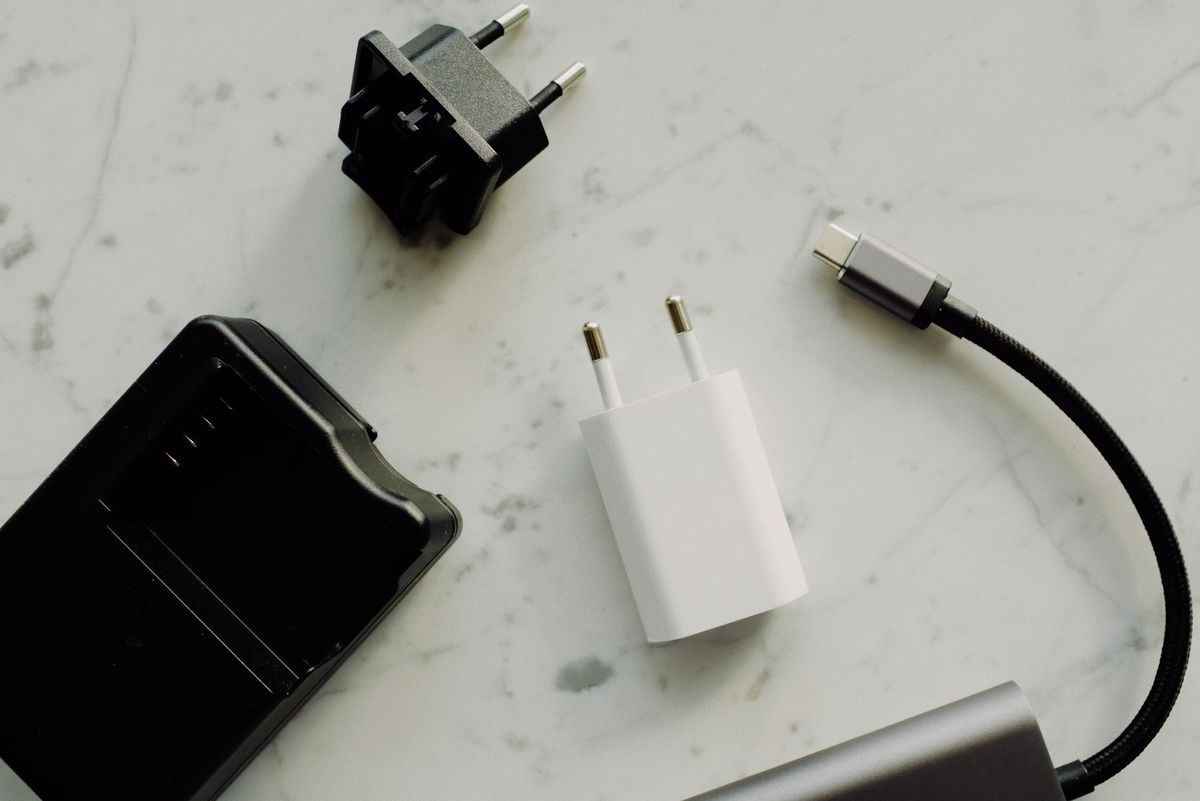
A wrong or poor-quality charger is one of the main causes of damaged batteries, so match these four things to your old charger or the label on the board:
- Output voltage: usually 42 V for a 36 V hoverboard battery. Never use a charger with a higher output voltage.
- Plug type: most boards use a round three-pin plug, but check yours.
- Current: usually around 2 A. A higher-current charger is not a safe shortcut unless your manufacturer approves it.
- Safety listing: look for a UL-listed or similarly certified charger with automatic shut-off, not an unbranded “universal” charger.
Our hoverboard charger guide compares replacement options.
See a universal 42V hoverboard charger on AmazonWhen it’s the battery
If the board will not charge with a known-good charger and a clean, firm connection, or the range has collapsed, the battery is at the end of its life. Check your warranty first, because a battery failure within the warranty period is the manufacturer’s problem. Otherwise, a replacement battery must match your board’s voltage and connector and should come from the original brand or a reputable supplier. Our battery replacement guide walks through the job, and if you are not confident with it, a repair shop can fit one.
Never put an old lithium battery in household trash. Tape over the terminals and take it to a battery drop-off point or a retailer that accepts lithium batteries for recycling.
How to keep it charging properly
- Charge after rides, once the board has cooled down, and unplug once it is full.
- Do not leave it charging overnight or while you are out.
- Never store it empty. For a long break, store it at about half charge and top it up every month or so.
- Keep it at room temperature, away from cold garages and hot cars.
- Use only the original charger or an exact-match replacement.
The same habits apply to scooters and e-bikes; our battery maintenance guide explains the reasons behind each one.
Frequently asked questions
Why is my hoverboard charger green but not charging?
A green light while connected means the charger is not detecting a battery that needs charge. Either the battery is already full, the plug is not making contact with the charge port, or the battery is too deeply drained (or damaged) for its management system to accept a charge.
How long should a hoverboard take to charge?
Most hoverboards take roughly two to four hours to charge from empty, depending on battery size and charger. Your manual gives the figure for your model. A board that stays on red far beyond that time has a battery or charging fault.
Can I use any charger on my hoverboard?
No. Use the original charger or an exact match for voltage, plug and current, ideally UL-listed. A charger with the wrong voltage can damage the battery and create a fire risk.
Is it safe to leave a hoverboard charging overnight?
It is best not to. Charge while you are at home and awake, and unplug once the light turns green. Most charging-related fires happen when a battery is left charging unattended.
My hoverboard won’t charge after sitting all winter. Is it dead?
Possibly. A battery stored empty for months can fall below the voltage its management system will charge from. Leave it connected while you are home and check whether the charger light changes within an hour. If it doesn’t, the battery will most likely need replacing.
Still stuck? Our hoverboard troubleshooting guide covers other common faults, from boards that won’t balance to ones that turn off on their own.